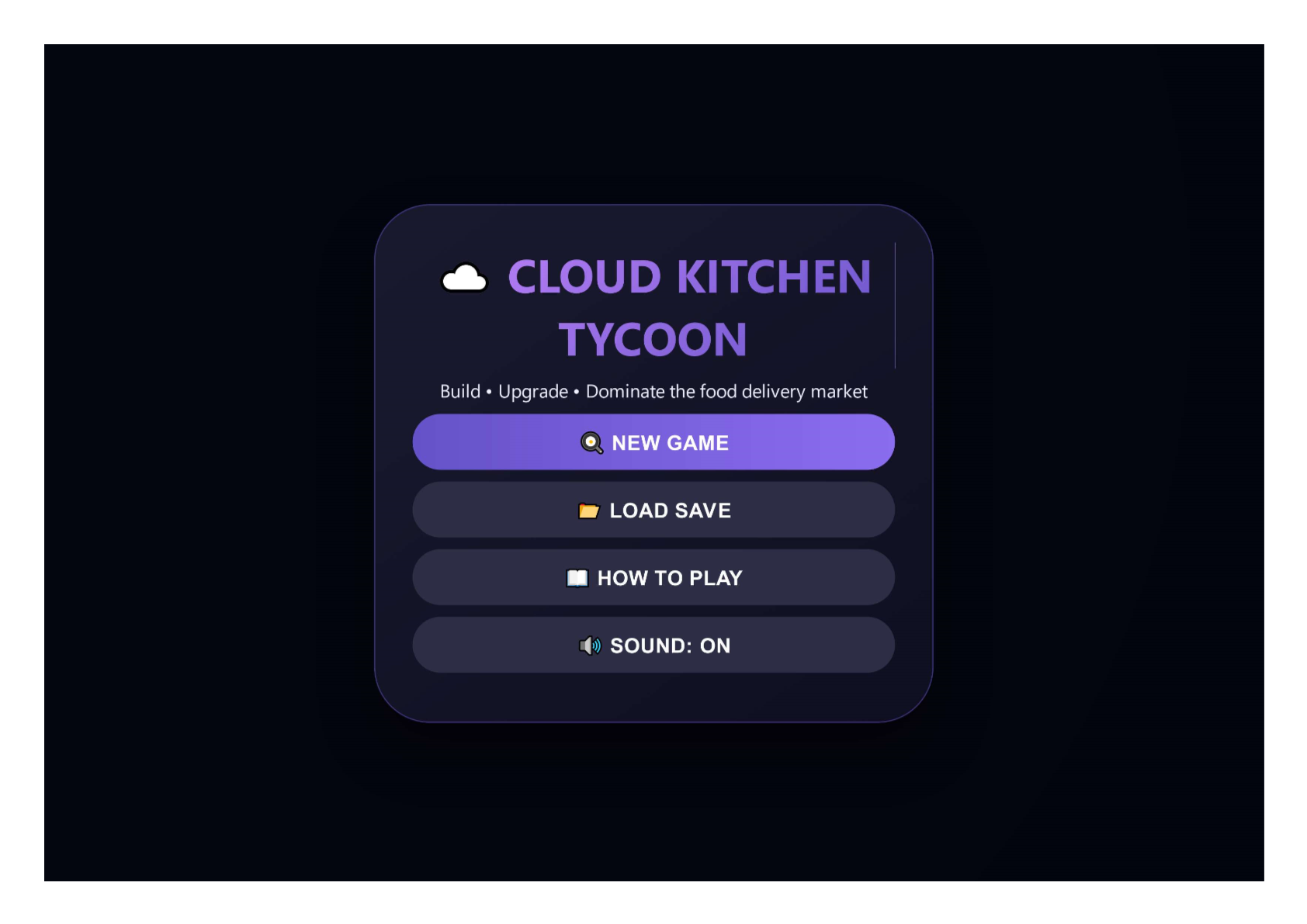
☁️ Cloud Kitchen Tycoon
A downloadable game for Windows
Launch your own virtual food empire! Start with a single starter kitchen and expand into a network of ghost hubs and commissaries. Place kitchens across high-demand zones, add brands, manage upgrades, and watch your revenue grow. Can you reach $500,000 without going bankrupt?
🎮 Play in your browser – no download, no sign-up. Just click, build, and serve.
🍽️ Core Features
- 🏭 3 kitchen types – Starter Kitchen (2k,2brandslots)→GhostHub(2k,2brandslots)→GhostHub(8k, 4 slots) → Commissary ($15k, 6 slots). Each has unique efficiency, maintenance cost, and visual style.
- 🗺️ Dynamic delivery zones – 20+ zones with varying demand, wealth, and population density. Kitchen income depends on zone stats.
- 🍔 7 unique food brands – Burgers, Pizza, Noodles, Tacos, Salads, Sushi, Coffee. Each has its own price, ingredient cost, and base demand.
- 📈 Upgrades & research – Buy efficiency, demand, waste reduction, and customer satisfaction upgrades. Permanent boosts that stack.
- 📆 Real‑time hourly simulation – Each in‑game hour generates profit based on kitchens, brands, and zone modifiers. Speed up to 3x.
- 🖱️ Intuitive placement – Click any green zone (or anywhere on the map) to place the selected kitchen. Right‑click or long‑press a kitchen to add brands or sell it (50% refund).
- 🏆 Win condition – Reach 500,000∗∗cash.💀∗∗Losscondition∗∗–Dropbelow∗∗−500,000∗∗cash.💀∗∗Losscondition∗∗–Dropbelow∗∗−10,000 (bankruptcy).
- 💾 Auto‑save & manual save – Saved every in‑game day. Load anytime from the menu.
🕹️ Controls
| Action | How to do it |
|---|---|
| Place kitchen | Click any green zone or anywhere on the map |
| Select kitchen type | Click buttons in the left panel (Starter / Ghost / Commissary) |
| Add brand / Sell kitchen | Right‑click (or long‑press on touch) on a kitchen → context menu |
| Pause / Resume | Press Space or click the Pause button
|
| Change game speed | Press 1 (1x), 2 (2x), 3 (3x) or click the speed button
|
| Open upgrades | Click “🚀 UPGRADES” button |
| Save / Load / Menu | Use buttons in the left panel or top‑right menu |
🧠 Tips for success
- Start in high‑demand zones – Look for zones with >1.0 demand multiplier and high wealth. They generate significantly more profit.
- Don’t crowd kitchens – Keep at least 65 pixels between kitchens. Too close = invalid placement.
- Fill brand slots first – A kitchen with 2 brands earns much more than a kitchen with 1. Use the context menu to add brands as soon as possible.
- Upgrade early – Efficiency and demand upgrades pay for themselves quickly. Smart Inventory reduces waste, increasing net profit.
- Watch your maintenance – Each kitchen costs daily upkeep. Don’t build more than you can afford.
- Use pause and speed controls – Pause to plan placements, then speed up to 3x during profitable hours.
- Rebalancing brands – If a kitchen is underperforming, sell it (50% refund) and rebuild in a better zone.
🖥️ Technical notes
- Pure HTML5 / CSS / JavaScript – runs entirely client‑side.
- Saves in
localStorage(auto‑save every in‑game day). - Responsive layout with touch support (long‑press for context menu).
- No external servers, no microtransactions – a complete single‑player tycoon.
Ready to become the ultimate cloud kitchen mogul? Click NEW GAME and start building your delivery empire – completely free, no strings attached. Fully fixed version – green zones are clickable, placement works everywhere, and profits flow!
Download